
Sale!
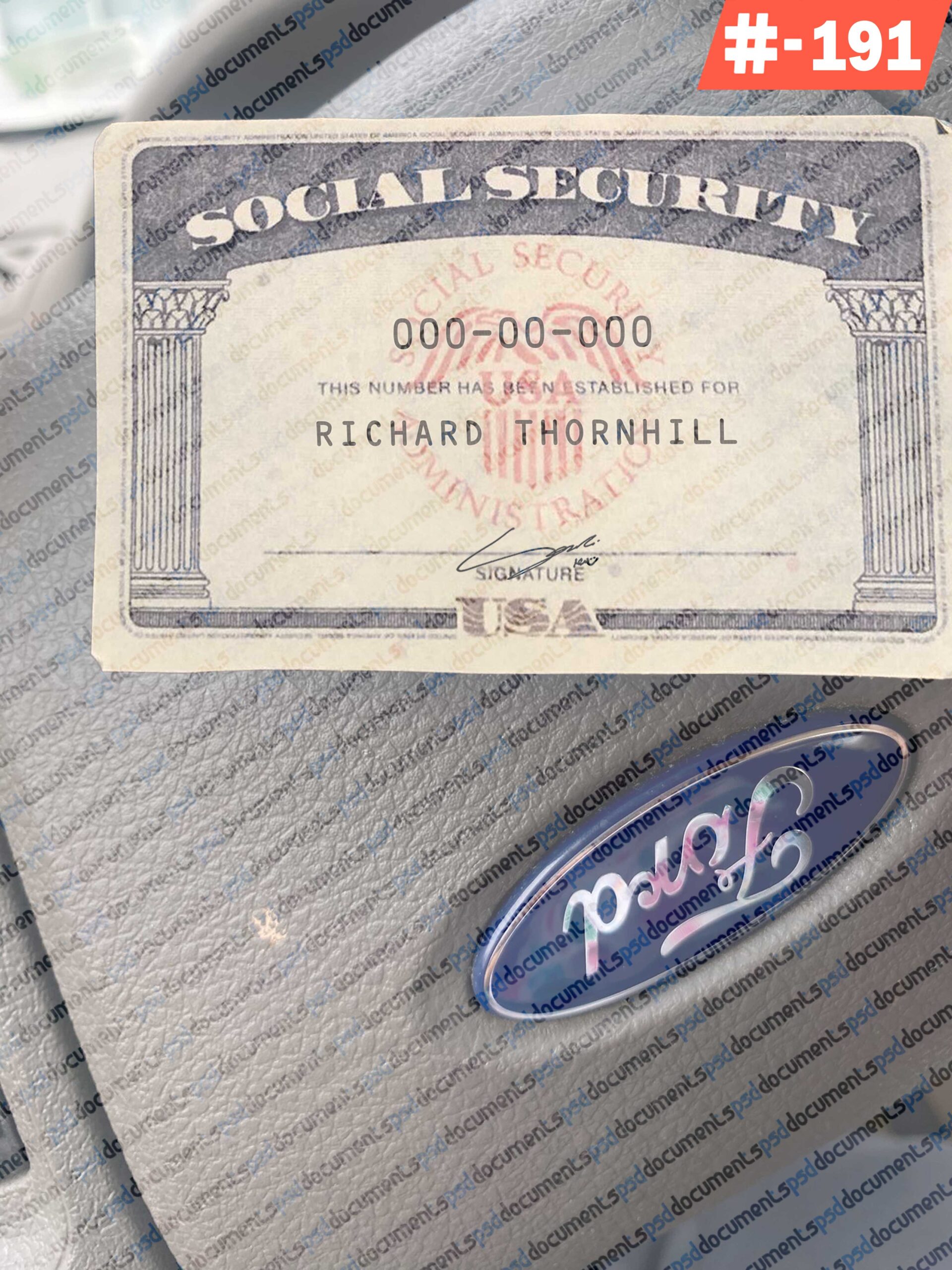
Michigan Social Security Card PSD Template | 2026
Original price was: $ 55,00.$ 29,99Current price is: $ 29,99.
- Download the premium Michigan Social Security Card PSD.
- 300 DPI Ultra-HD resolution, fully editable layers, and matching fonts included.
- Optimized for 2026 visual standards.
- Instant delivery!
Michigan Social Security Card PSD The Industry Standard for 2026
Michigan Social Security Card PSD
Stop struggling with low-quality scans or blurry templates. Our Michigan Social Security Card PSD is a digitally mastered, high-fidelity reconstruction of the 2026 national standard, optimized for Michigan-based creative projects. Whether you are a filmmaker in Detroit or a graphic designer in Grand Rapids, this asset provides the professional “plug-and-play” solution you need.
Every security element—from the intricate blue “Guilloché” waves to the official-style eagle seals—is rendered in 300 DPI Ultra-High Definition. This ensures your final product looks flawless on 4K screens or high-quality physical prints.
Why Choose This Edition?
-
Smart Object Integration: No manual alignment needed. Simply double-click the name or number layers, type your data, and hit save. The template automatically applies the correct 2026 font, spacing, and kerning.
-
Full Font Library Included: We eliminate the “Missing Font” error by providing the exact typography files required for an authentic look.
-
Localized Authenticity: Includes a guide for traditional Michigan numbering ranges (historically starting with 362–386) to add a layer of deep realism to your props.
-
Non-Destructive Layers: Every element (Background, Seal, Micro-print, Signature Line) is on its own color-coded layer. You have 100% control over the “wear and tear” or “aging” of the card.
-
Premium Texture Overlays: Includes toggleable layers for paper grain, light reflection, and subtle ink-bleed effects.
Technical Specifications:
-
File Format: Adobe Photoshop (.PSD) + Font Pack (.TTF/.OTF).
-
Resolution: 300 DPI (High Definition).
-
Dimensions: Standard $3 \frac{3}{8} \text{ in} \times 2 \frac{1}{8} \text{ in}$.
-
Color Mode: CMYK (Print-Ready) and RGB (Digital-Ready).
-
Compatibility: Adobe Photoshop CC 2026, CS6, GIMP, and Photopea (Free Online Editor).
-
Delivery: Instant Digital Download (ZIP Folder).
What’s in the Folder?
-
The Master PSD: The core editable Michigan template.
-
The Pro Font Pack: All specific fonts used in the design.
-
High-Res Back Side: The complete 2026 reverse-side layout with legal instructions.
-
Quick-Start Guide: A 2-minute PDF tutorial on editing and signature placement.
Frequently Asked Questions (FAQ)
Q: Can I edit this without Adobe Photoshop? A: Yes! This PSD file is fully compatible with Photopea, a free browser-based editor that works on any PC, Mac, or tablet.
Q: Is the download instant? A: Absolutely. As soon as your payment is confirmed, you will receive an automatic download link on the checkout page and via email.
Q: Will the fonts look like the real thing? A: Yes. Because we include the specific font files used in the 2026 layout, your text will match the official-style typography exactly.
How to Set Up Your Kit:
-
-
Open: Launch the PSD in Photoshop or Photopea.
-
Add Your Content: Use the Type Tool (T) to add names and numbers over the blank background.
-
Customize: Adjust the brightness of the “Blue Waves” layer to match your specific lighting needs.
-
Save: Export as a high-quality PNG for your project.
-
What You Can Customise Full Name: Replace the placeholder with your desired name.
Legal Disclaimer
Notice: This Michigan Social Security Card PSD is provided strictly for cinematic, theatrical, and educational purposes. We do not support, condone, or encourage the use of this template for identity theft, fraud, or any illegal misrepresentation. The buyer assumes all legal responsibility for the use of this digital design asset.
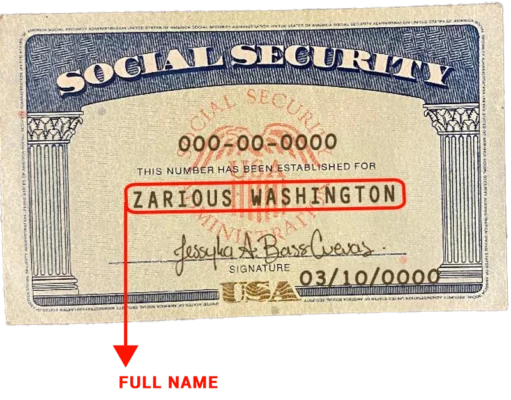
- Full Name: Replace the placeholder with your desired name
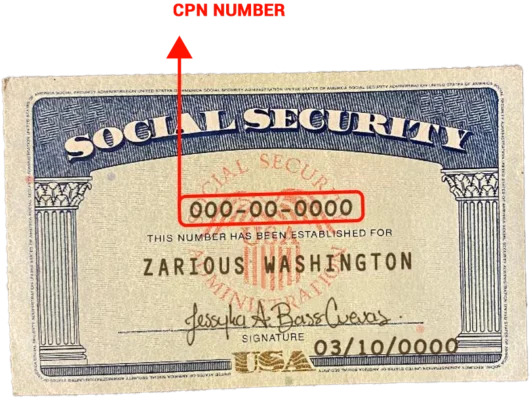
- SSN Number: Edit the 9-digit social security number.
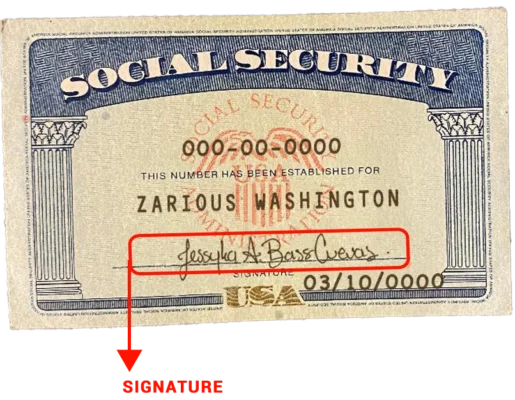
- Signature: Add a digital signature for a realistic touch.
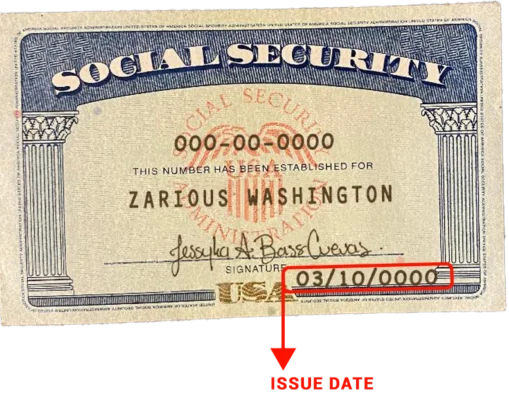
- Issue Date: Update the date of issuance.
Still confused!! Have a look our video guidelines:
Examples 02
Examples 03
Examples 04
If you require customization, please send us all the necessary details via WhatsApp or email.
Information Required:
- Full Name *
- SSN Number *
- Issue Date
- Signature

Contact Details Here
Telegram 

Email: sscpsdkermit@gmail.com
Check Latest Item
Check our Latest products!

Sale!
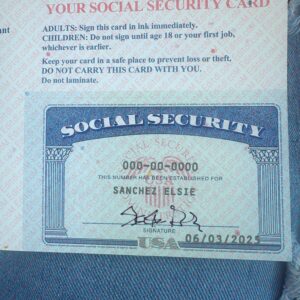
Social Security Card
Original price was: $ 55,00.$ 29,99Current price is: $ 29,99.
Sale!

Social Security Card
Original price was: $ 120,00.$ 69,99Current price is: $ 69,99.
Sale!
Social Security Card
Original price was: $ 120,00.$ 69,99Current price is: $ 69,99.
Sale!
Social Security Card
Original price was: $ 120,00.$ 69,99Current price is: $ 69,99.
Sale!
Social Security Card
Original price was: $ 120,00.$ 69,99Current price is: $ 69,99.
Sale!
Social Security Card
Original price was: $ 120,00.$ 69,99Current price is: $ 69,99.
Sale!

Social Security Card
Original price was: $ 120,00.$ 69,99Current price is: $ 69,99.
What is a Social Security card template?
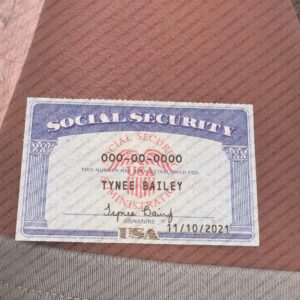
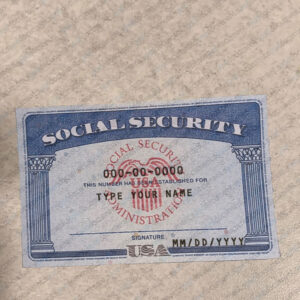
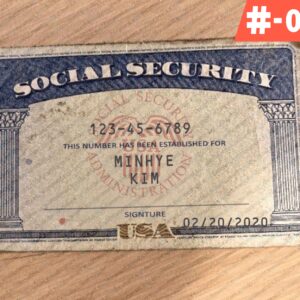
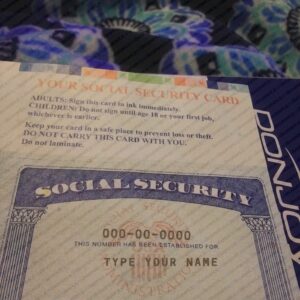
A Social Security card is an ID from the government with a nine-digit number on it, known as a Social Security number(SNN). It’s used to monitor someone’s earnings and if they can get Social Security benefits. The card also displays the holder’s name and date of birth. Social Security cards are issued by the Social Security Administration (SSA) and are typically issued to U.S. citizens and permanent residents. A social security card template is a digital or physical file that is designed to mimic the appearance of an official Social Security card. This template is intended for educational, design, and illustrative purposes only. Users are responsible for ensuring their usage complies with all local laws.
How Edit Any Others Documents Like Passport or Driver license flow this video
Get the best value by choosing our.
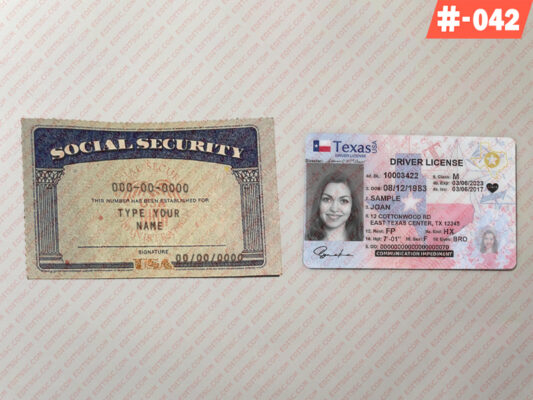
Save time and money with our bundled document solutions. Editable ID Card PSD Templates bundled also Related Products Blank Social Security Card 2026
Disclaimer: This Social Security Template (2026 Edition) is provided strictly for educational, illustrative, cinematic, or novelty purposes only. We do not support, encourage, or take responsibility for any illegal use, fraud, misrepresentation, or identity theft. Users are solely responsible for ensuring that their use of this authentic layered PSD complies with all local, state, and federal laws. By purchasing this digital product, you agree to use it responsibly and legally.
Related products
Sale!
Social Security Card
Original price was: $ 55,00.$ 29,99Current price is: $ 29,99.
Sale!
Social Security Card
Original price was: $ 55,00.$ 29,99Current price is: $ 29,99.
Sale!
Social Security Card
Original price was: $ 55,00.$ 29,99Current price is: $ 29,99.
Sale!
Social Security Card
Original price was: $ 55,00.$ 29,99Current price is: $ 29,99.
Sale!
Social Security Card
Original price was: $ 55,00.$ 29,99Current price is: $ 29,99.
Sale!
Social Security Card
Original price was: $ 55,00.$ 29,99Current price is: $ 29,99.
Sale!
Social Security Card
Original price was: $ 55,00.$ 29,99Current price is: $ 29,99.
Sale!
Social Security Card
Original price was: $ 55,00.$ 29,99Current price is: $ 29,99.
Sale!
Social Security Card
Original price was: $ 55,00.$ 29,99Current price is: $ 29,99.
Sale!
Social Security Card
Original price was: $ 55,00.$ 29,99Current price is: $ 29,99.
Sale!
Social Security Card
Original price was: $ 55,00.$ 29,99Current price is: $ 29,99.
Sale!
Social Security Card
Original price was: $ 55,00.$ 29,99Current price is: $ 29,99.
Sale!

Social Security Card
Original price was: $ 55,00.$ 29,99Current price is: $ 29,99.
Sale!
Social Security Card
Original price was: $ 55,00.$ 29,99Current price is: $ 29,99.
Sale!
Social Security Card
Original price was: $ 55,00.$ 29,99Current price is: $ 29,99.
Sale!
Social Security Card
Original price was: $ 55,00.$ 29,99Current price is: $ 29,99.
Sale!
Social Security Card
Original price was: $ 55,00.$ 29,99Current price is: $ 29,99.
Sale!
Social Security Card
Original price was: $ 55,00.$ 29,99Current price is: $ 29,99.
Sale!
Social Security Card
Original price was: $ 55,00.$ 29,99Current price is: $ 29,99.
Sale!
Social Security Card
Original price was: $ 55,00.$ 29,99Current price is: $ 29,99.
Sale!
Social Security Card
Original price was: $ 55,00.$ 29,99Current price is: $ 29,99.
Sale!
Social Security Card
Original price was: $ 55,00.$ 29,99Current price is: $ 29,99.
Sale!
Social Security Card
Original price was: $ 55,00.$ 29,99Current price is: $ 29,99.
Sale!
Social Security Card
Original price was: $ 55,00.$ 29,99Current price is: $ 29,99.
Sale!
Social Security Card
Original price was: $ 55,00.$ 29,99Current price is: $ 29,99.
Sale!
Social Security Card
Original price was: $ 55,00.$ 29,99Current price is: $ 29,99.
Sale!
Social Security Card
Original price was: $ 55,00.$ 29,99Current price is: $ 29,99.